Quick Links

Showing posts with label Side Project. Show all posts

Friday, January 11, 2013

Another Side Project

I finished another side project, this one is making a background similar to those seen on Windows Vista.
I used the photo they used in the tutorial, but I changed the color balances a lot.

Wednesday, January 9, 2013

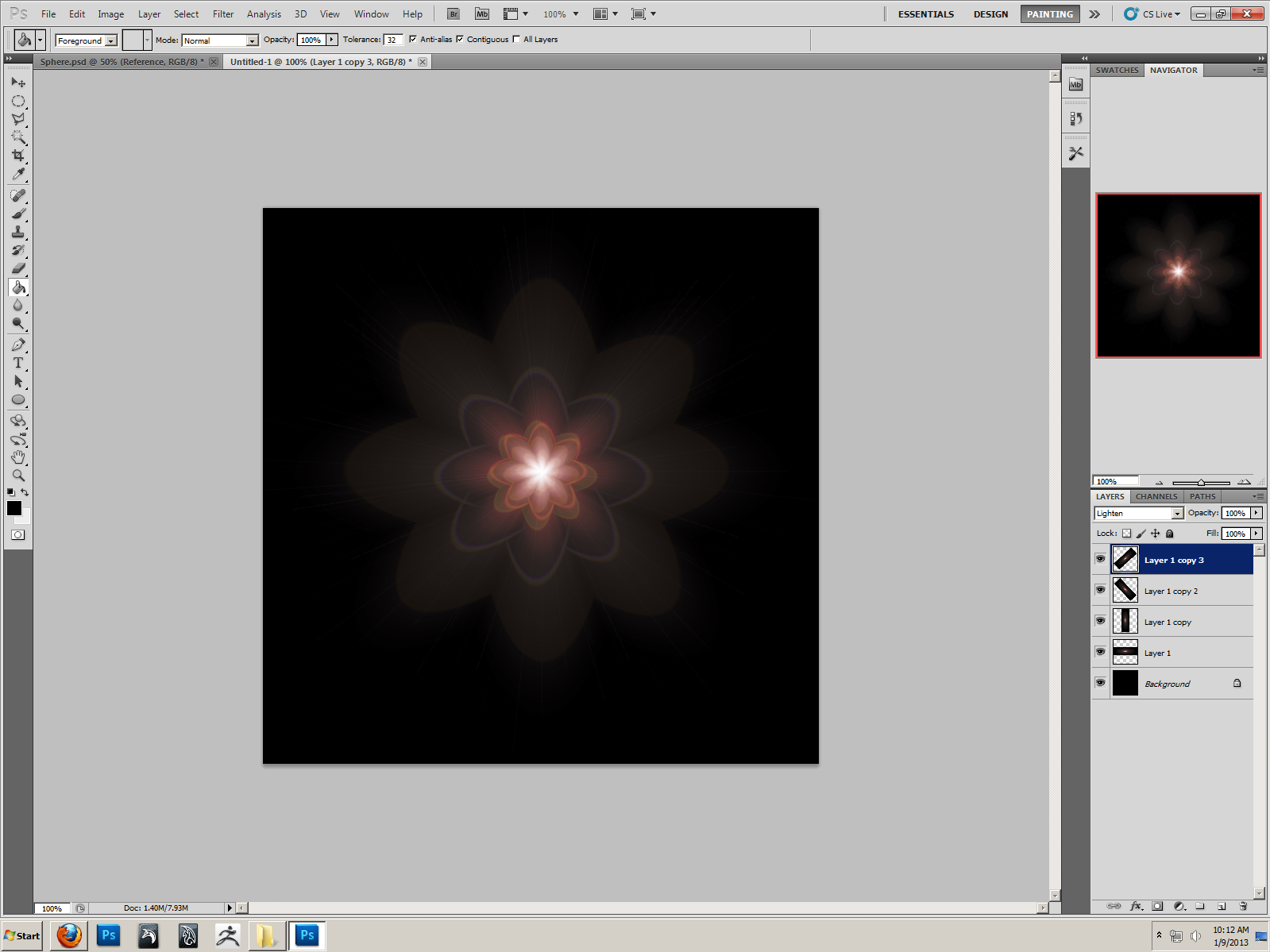
Finished Abstract Work

This is the finished product of what I have been doing today. It started out with a lens flare and now is most definitely abstract. I used the transform>rotate tool a lot on this project, and I have been using the duplicate layers shortcut a lot as well.

Lens Flare Effects

This is the progress I am making on another side project. I am working with the effects of lens flare. The result is supposed to be an abstract design, but it currently looks like a star.

Monday, January 7, 2013

Side Projects

I am currently working on a few side projects, and taking a break from the sphere. I have decided to make a background that looks almost like fireworks, or maybe water. I created a render cloud, and from there on I was pretty much just using filters to create a new look.
This is the finished product.
This is when  was working on another background image. It is almost like a tornado with color. I found myself using multiple filters again. The Twirl filter seemed to have the most observable effect. Using the overlay blending option makes a huge difference.
This is the finished product.
This is the work I am currently doing. I am trying to get a nice pattern with cool colorings. I had some issues with the filter, as I was following the tutorial, it occurred to me that my canvas might be too big. I plan on fixing that.

Wednesday, December 12, 2012

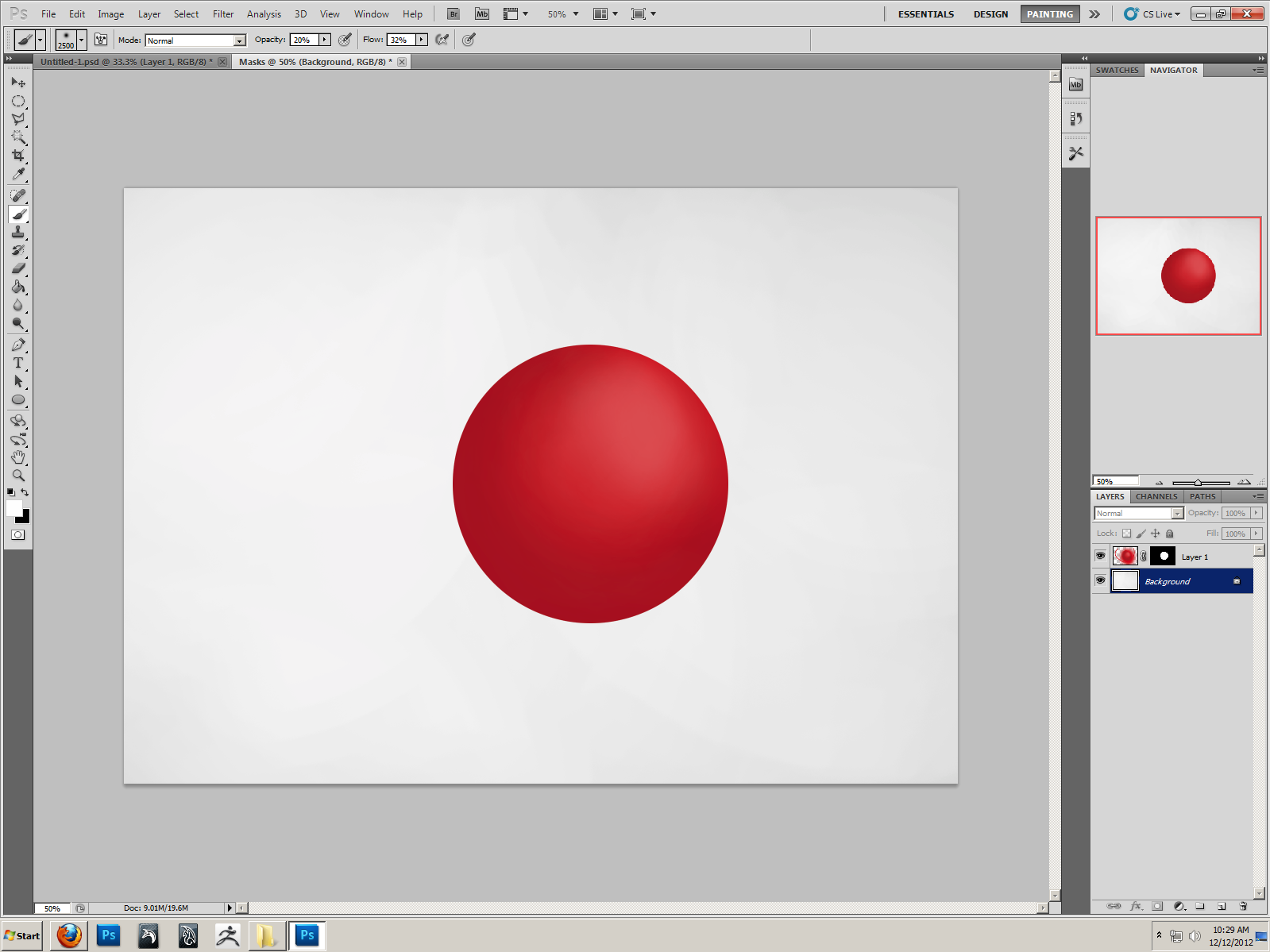
3D Sphere

This is the sphere I am currently working on blending to make it look 3D.

Thursday, September 27, 2012

Random Piece Inspired by Marilyn Manson

     Today, I fooled around with a few tools and filters to explore photoshop. I started with the idea of Marilyn Manson in my head, and began to darken the blank page I started with. I used the burn tool to create spiral-like, darker rings around the vanishing point. Then, using the "Mixer Brush Tool", I darkened the inner rings. I created a fog-like presence with the use of the "Dodge" tool, making it lighter around the edges and crossing lightly into the middle I created small cloud like blots using the "Dodge" tool again.
     Then, after I was satisfied with the dark rings and cloud like looks of it, I started to play with the filters. Under "Sketch", I found "Chrome" and chose that effect, to be coupled with "Accented Edges" and "Angled Strokes" later on. Finding the product to be rather ragged I went back into the "Filter Gallery" and chose "Chrome" again to even it out.
     I have no idea how Marilyn Manson inspired this, but I found it to have a rather Gothic look.